- Home
- PWA builder
PWA builder for affiliate marketing and media buying
In the 1SARAFAN builder, you create PWAs with a store-style install page. AI writes the page text in any language, and you can clone a finished app for another offer or country. You connect a domain, a tracker, push notifications, server-side pixels, and S2S postbacks in the same dashboard. None of it takes a developer.
What is a PWA builder for affiliate marketing?
A PWA (progressive web app) is a web app that installs from the browser. Once installed, it gets an icon on the home screen and opens like a regular app.
The builder handles the install page, the app itself, and event tracking. You choose which offer the app leads to and which events go to your tracker and ad networks.
How do I build a PWA without a developer?
- Pick a store-style template or one of your team’s templates.
- Choose a language, and AI writes the page text.
- Connect a domain: your own, one of ours, or one bought in the dashboard.
- Set an offer for each country and a default offer.
- Connect server-side pixels and S2S postbacks.
- Set up push notifications by event or on a schedule.
Your app link is then ready for an ad campaign.
What templates does the builder include?
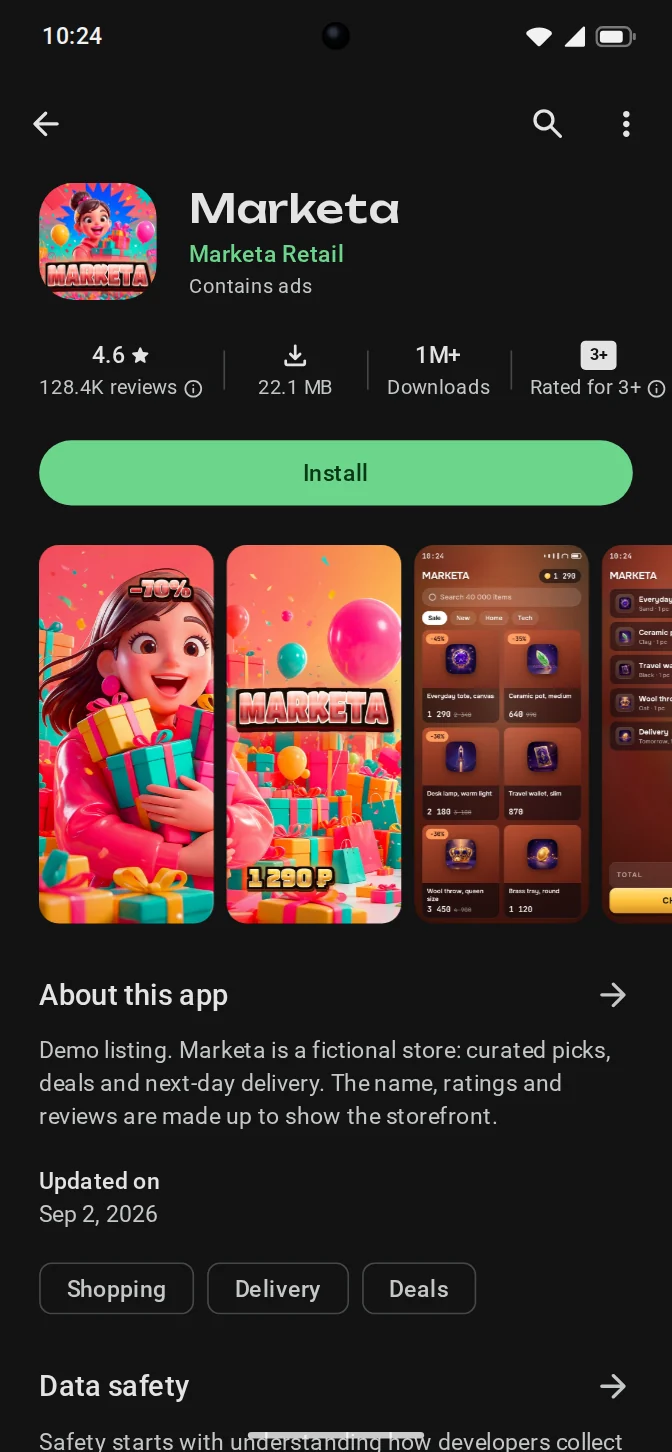
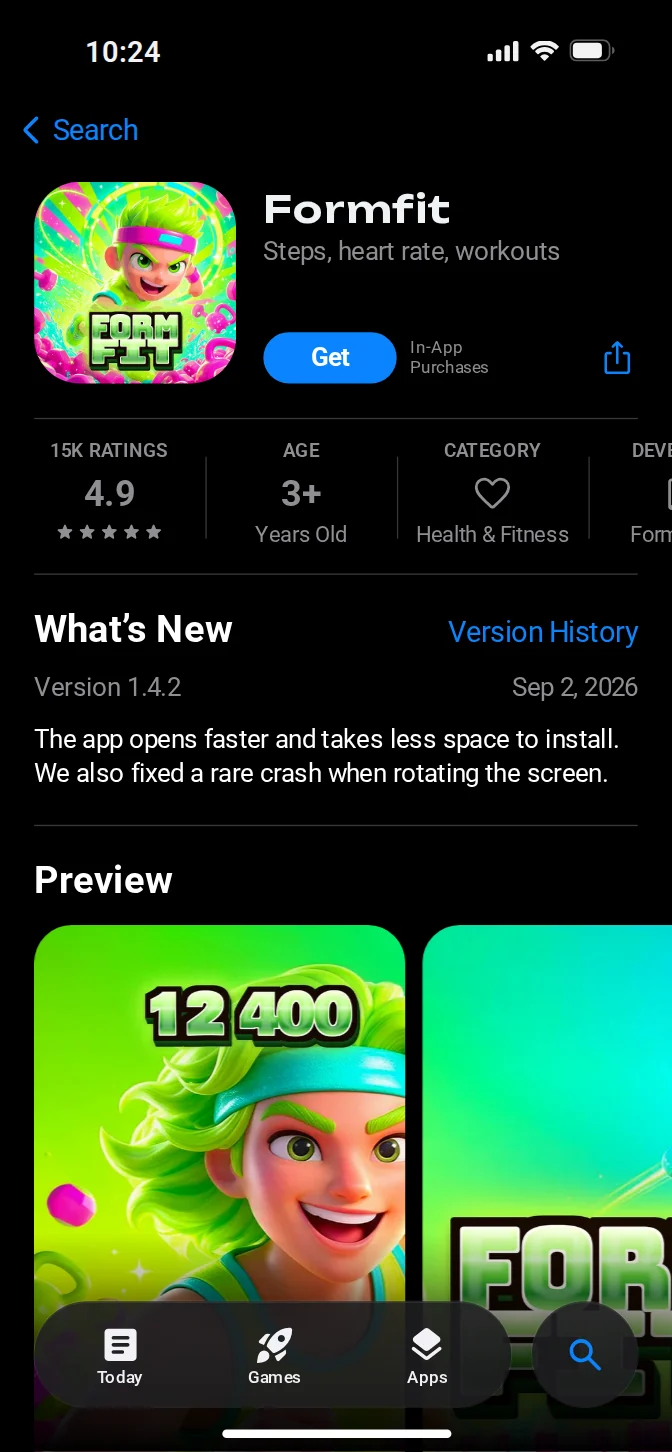
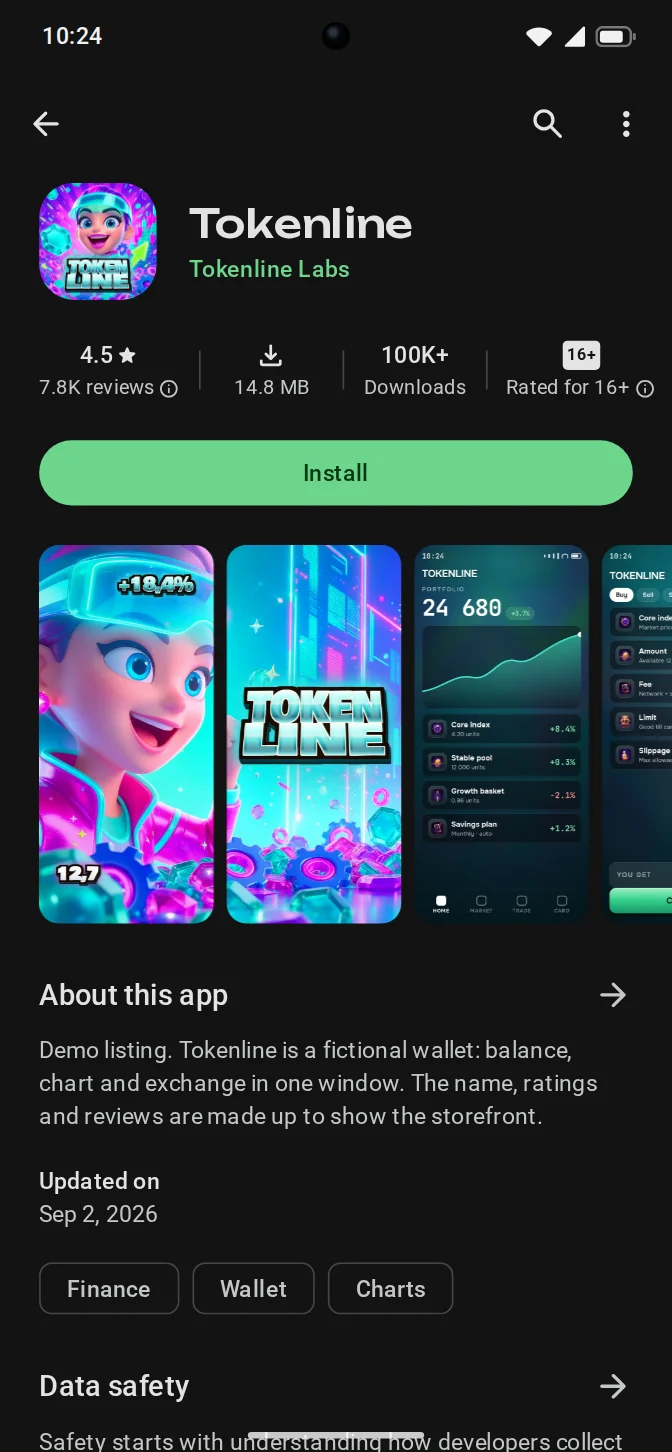
Templates follow the familiar layout of an app store listing: icon, name, images, description, and install button. Visitors know this format, so they can tell right away that it’s an app and how to install it. Besides the shared templates, the dashboard keeps your team’s own templates.
The page comes in an Android or iOS style. Below are three fictional apps from different categories (demo).
What languages can the install page use?
You can use any language and match it to the country where your ads run.
| Element | Language |
|---|---|
| Install page text | Any |
| App description | Any, written by AI |
| iPhone install instructions | The visitor’s language |
AI writes directly in the target language, so you don’t need a separate translation. Review the text before you launch a campaign.
Can I clone a PWA for another offer or country?
Yes. Clone a finished app, then swap the offer and update the language and text where needed. The copy keeps the original app’s design, and cloning is free.
If one app serves several countries, you don’t need a copy. Set an offer for each country in the tracker, plus a default offer for the rest.
How do I connect a domain, tracker, and pixels to a PWA?
Set everything up in the same dashboard where you build the app.
| Module | What’s included |
|---|---|
| Domain | Your own, one of ours, or one bought in the dashboard; several apps on one domain |
| Tracker | Offer per country and a default offer, macros, device rules, back URL |
| Server-side pixels | Meta, Google, TikTok, Snapchat |
| Browser analytics | Browser tags, Yandex Metrica |
| S2S postbacks | Install, lead, sale, and repeat sale events; GET and POST methods |
| Push notifications | System and custom; by event or on a schedule; groups; targeting by country and sub ID |
| Team | Owner, team lead, media buyer, and finance roles; permissions; shared balance; spend per member |
| Logs | Each install is a row: time, country, device, visitor ID |
How is a PWA installed on Android and iPhone?
On Android, the browser offers to install the app. The visitor taps the button on the page, and the icon appears on the home screen.
iPhone has no system install prompt, so visitors add the app to the Home Screen from the Share menu. The page walks them through each step in their language. iOS installs are counted separately and cost the same $0.03.
If the install fails, the visitor gets an APK file or goes straight to the offer. A visitor who doesn’t tap anything is sent to the offer on a timer.
How much does a PWA from the builder cost?
Building and cloning apps is free. You pay $0.03 per install in any country, on iOS and Android, and there’s no subscription.
$0.03per install
- One price for every country, on iOS and Android
- 1,000 free installs at sign-up
- No subscription and no minimum top-up
- Top up in USDT (TRC-20, ERC-20, BEP-20) or TON
The free start and top-up methods are covered on the pricing page.
FAQ
Do I need to publish a PWA in an app store?
No. A PWA installs from the browser, without an app store. Ad network policies apply as usual. The app also gets no visitors from app store search. You bring the traffic yourself.
How is a PWA different from a regular website?
It installs on the device, where it has its own home screen icon and opens like an app. A PWA can also send push notifications if the visitor allows them.
Can I connect my own tracker?
Yes. Install, lead, sale, and repeat sale events go to your tracker as S2S postbacks, by GET or POST, with macros. Any tracker that accepts postbacks will work.
Do I need a separate domain for each PWA?
No. Several apps can share one domain. You can use your own domain, one of ours, or one bought in the dashboard.